



1 Set CH341A Programmer 3.3-5V Compatible with EEPROM 24 25 Series
9 sold in last 24 hours
- CH341A Programmer:Compatible with backing up, erasing, programming, and calibrating various software programs
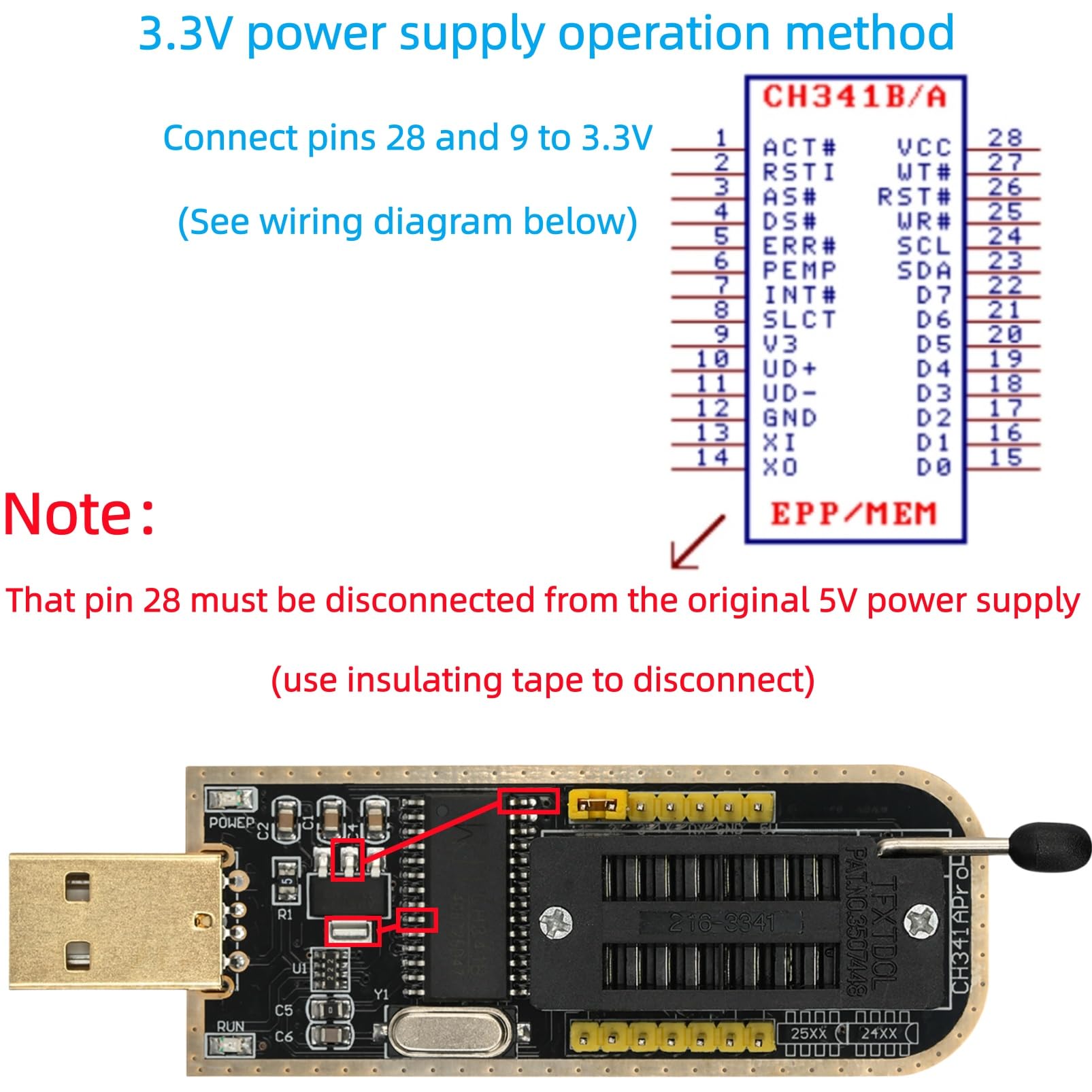
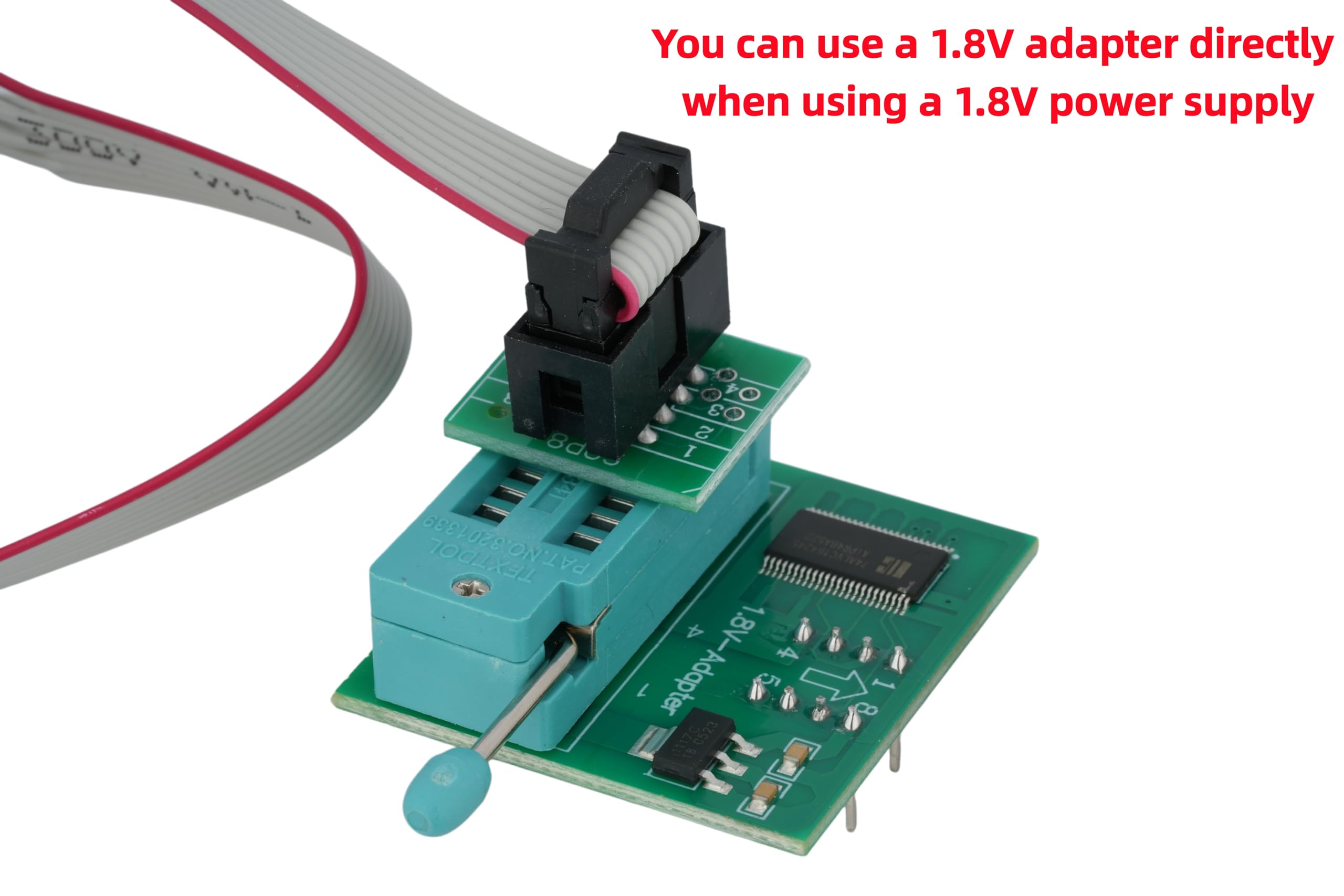
- Output voltage: 1.8V,3.3V,5V (Please see the detailed image for voltage conversion)
- To avoid USB 3.0 compatibility issues on your computer, prioritize USB 2.0
- Compatible with Chip: CH341A and CH341B
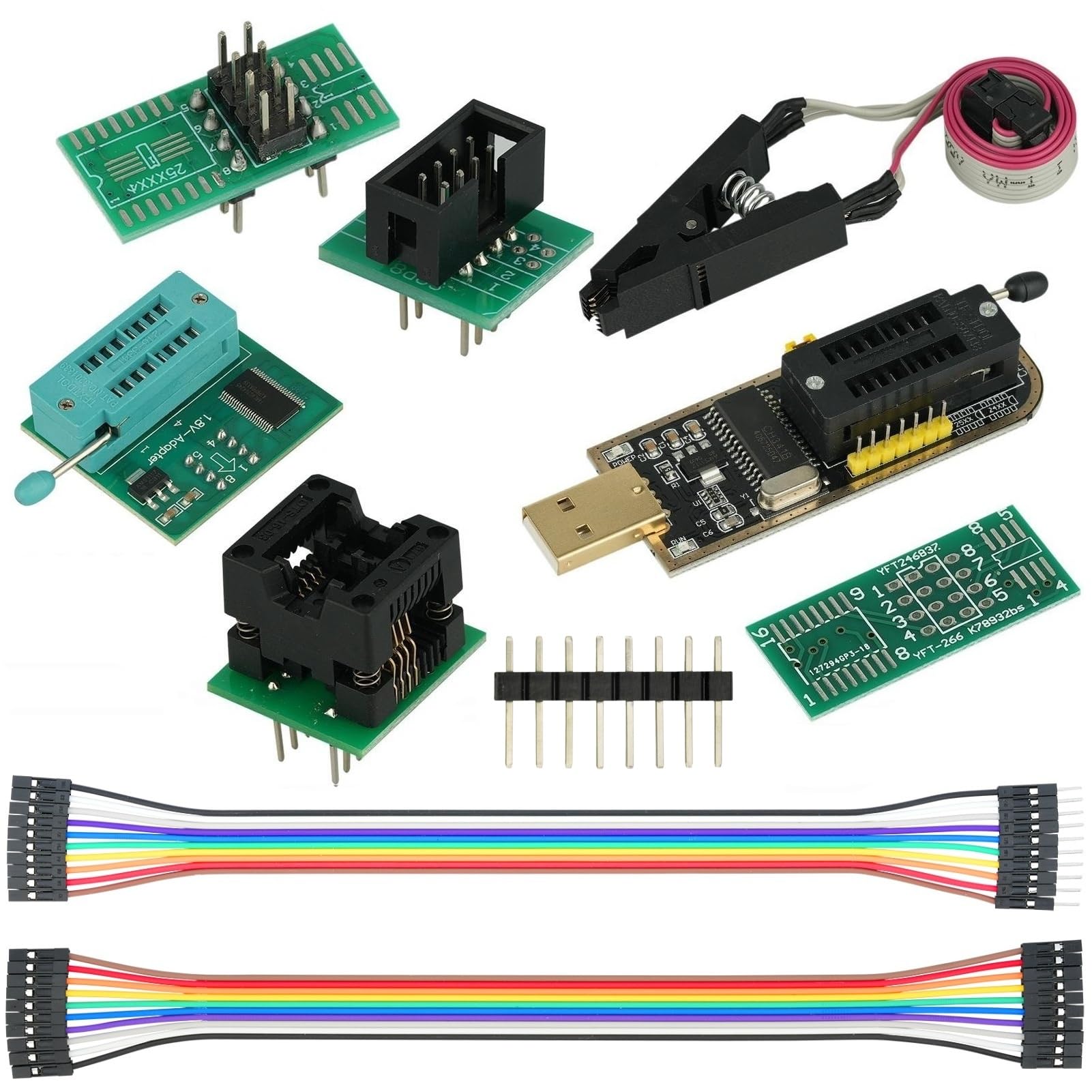
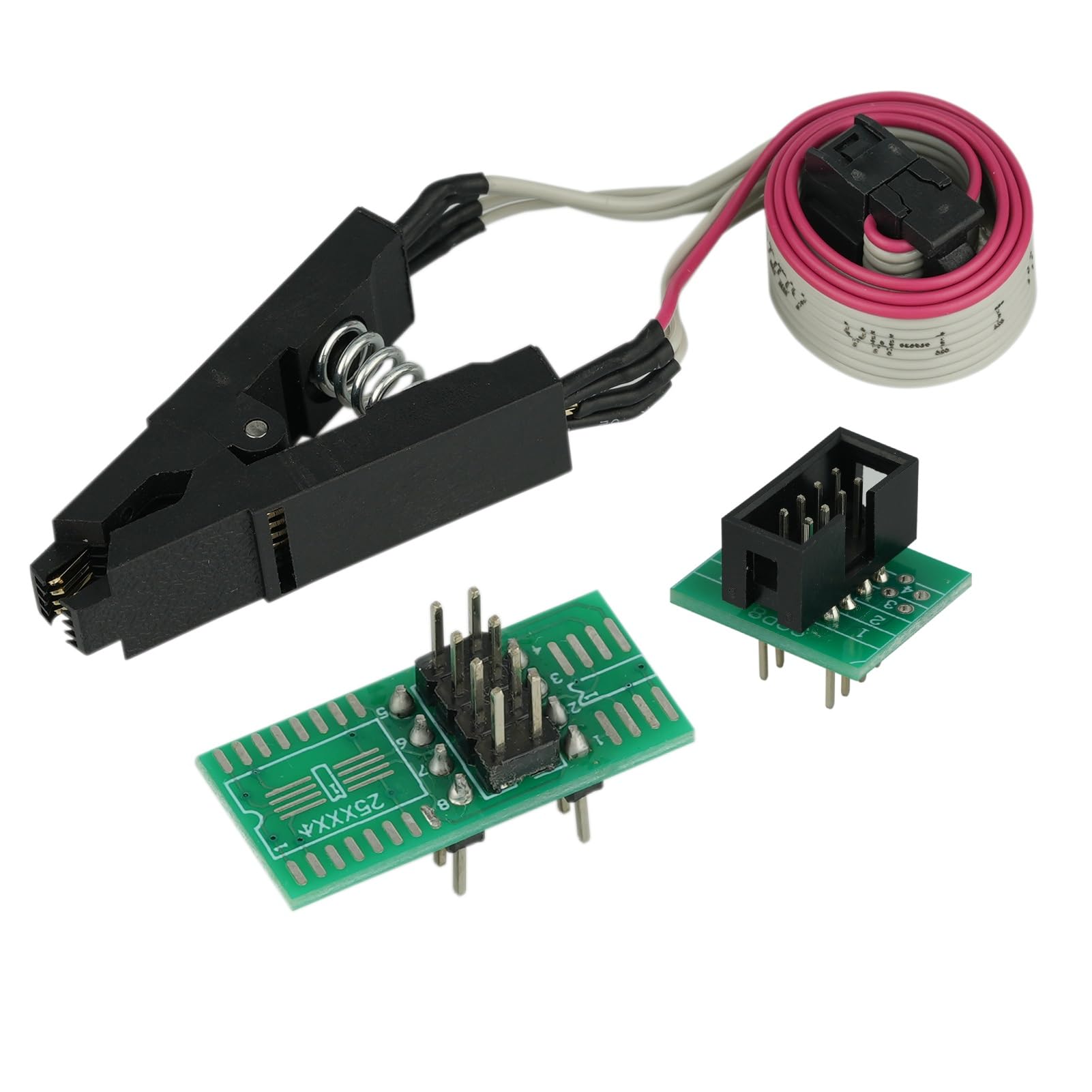
- Commodities include:1Pcs CH341A USB Programmer; 1Pcs 1.8V Adapter; 1Pcs SOP8 converter; 1Pcs SOIC8 Socket Adapter;10Pcs Male and Female Dupont Lines;10Pcs Mother Mother Dubon Line
Tags |
Estimated shipping
Select a product to estimate shipping.I. Unrecognized Chip
1. Check for loose connections and correct pin assignments.
2. To avoid USB 3.0 compatibility issues with your computer, please use a USB 2.0 interface instead.
3. Insufficient power supply to the computer's front USB port, or the USB cable only supports charging and not data transfer.
4. 12C speed is too high; reduce the clock frequency (high frequency may cause signal instability).
II. Unable to Read/Write
1. Reinstall the driver or try a different programming software version.
2. Re-erase the chip (residual data may cause write errors).
3. The data written exceeds the chip's capacity (the overwrite operation will fail). 4. Reinstall the driver or change the programming software version.
5. Incorrect chip model selected, incorrect interface mode (12C/SPI confusion)
III. Device fails to boot after firmware flashing
1. Replace with matching firmware and perform an "Erase > Flash Verify" operation at a low speed of 100kHz to confirm data consistency.
2. Use a multimeter to check if the chip's VCC-GND are short-circuited.
3. Remove the chip's read/write protection (some EEPROM chips have a write protection pin that needs to be grounded to unlock).
4. Overwrite the original data with backup data and restore factory settings.
| Main Specification | |
|---|---|
| Compatible Devices | Television or Laptop or Router or Printer or Personal Computer |
| Manufacturer | MTDELE |
| Brand | MTDELE |
| UPC | 743267418385 |
| Number of Items | 7 |
| Style | Classic |
| Product information | |
| Operating System | Windows 10 or Windows 7 or Windows Vista or Windows XP or Windows 2000 |
| Number of Packs | 1 |
| Hardware Interface | USB |
| Item details | |
| Model Number | e50355ad-c5d5-41fb-beb6-aa3e5ca6b6e0 |
| Style | |
| Style Name | Classic |
| Others | |
| Built-In Media | 10Pcs Male and female Dupont lines;10Pcs Mother mother Dubon line or 1Pcs CH341A USB programmer or 1Pcs 1.8V adapter or 1Pcs SOP8 converter or 1Pcs SOIC8 socket adapter |
| Item Highlight | 3.3-5V CH341A Adapter or SOIC8 Clip or 1.8V Adapter or SOIC8 Adapter |
| BuiltIn Media | 10Pcs Male and female Dupont lines;10Pcs Mother mother Dubon line or 1Pcs CH341A USB programmer or 1Pcs 1.8V adapter or 1Pcs SOP8 converter or 1Pcs SOIC8 socket adapter |
| Product Type | Electrical Testing |