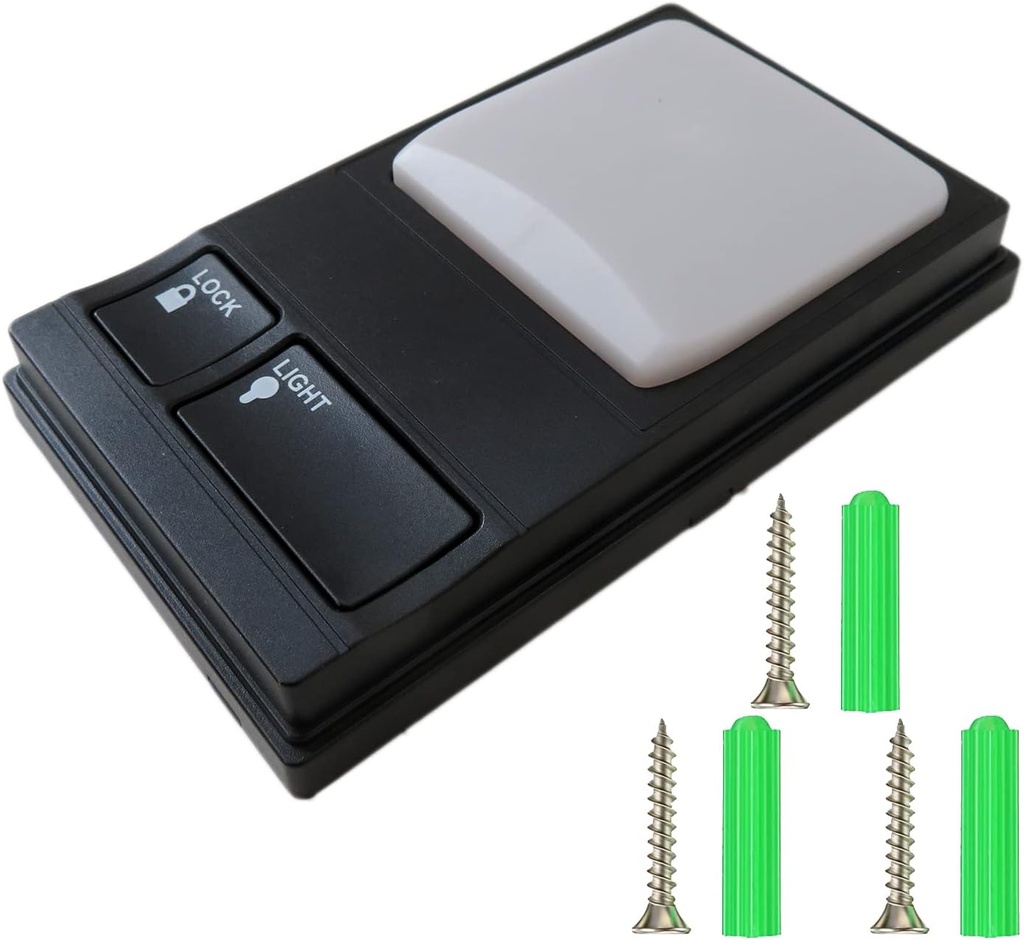
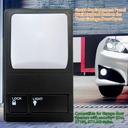
Multi-Function Control Panel 41A5273-1 Garage Door Opener Wall Mounted Button Replacement Panel Wall Keypad Button for LiftMaster 41A5273-1 78LM, 81LM, 371LM, 971LM Garage Door Opener
14 sold in last 24 hours
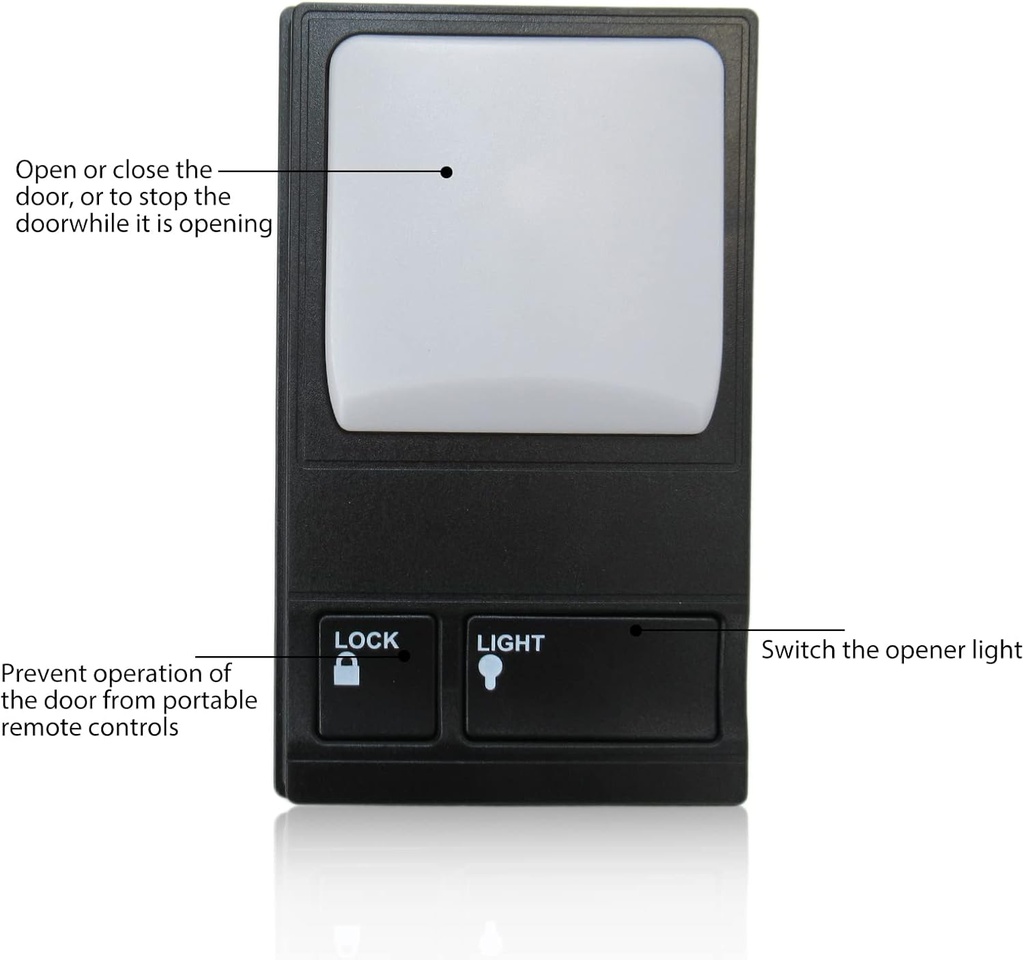
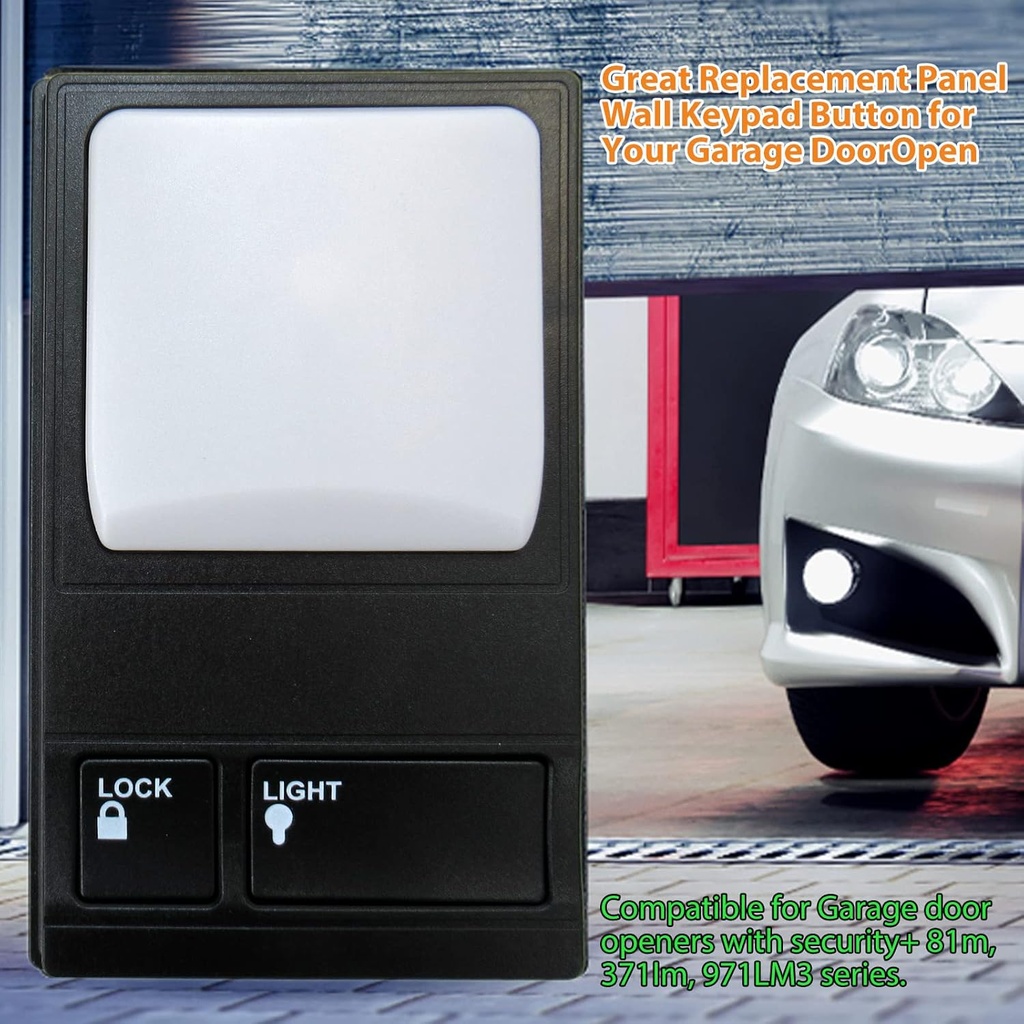
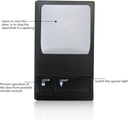
- ✪Multi-Function Garage Door Buttons: The top square button can control the opening/closing of the door, or stop the door when it is opening; The lock button can prevent operation of the garage door from portable remote control, provide stronger security; The light button controls the switch of the opener light, it is quite convenient for you to operate the pancel even at night.
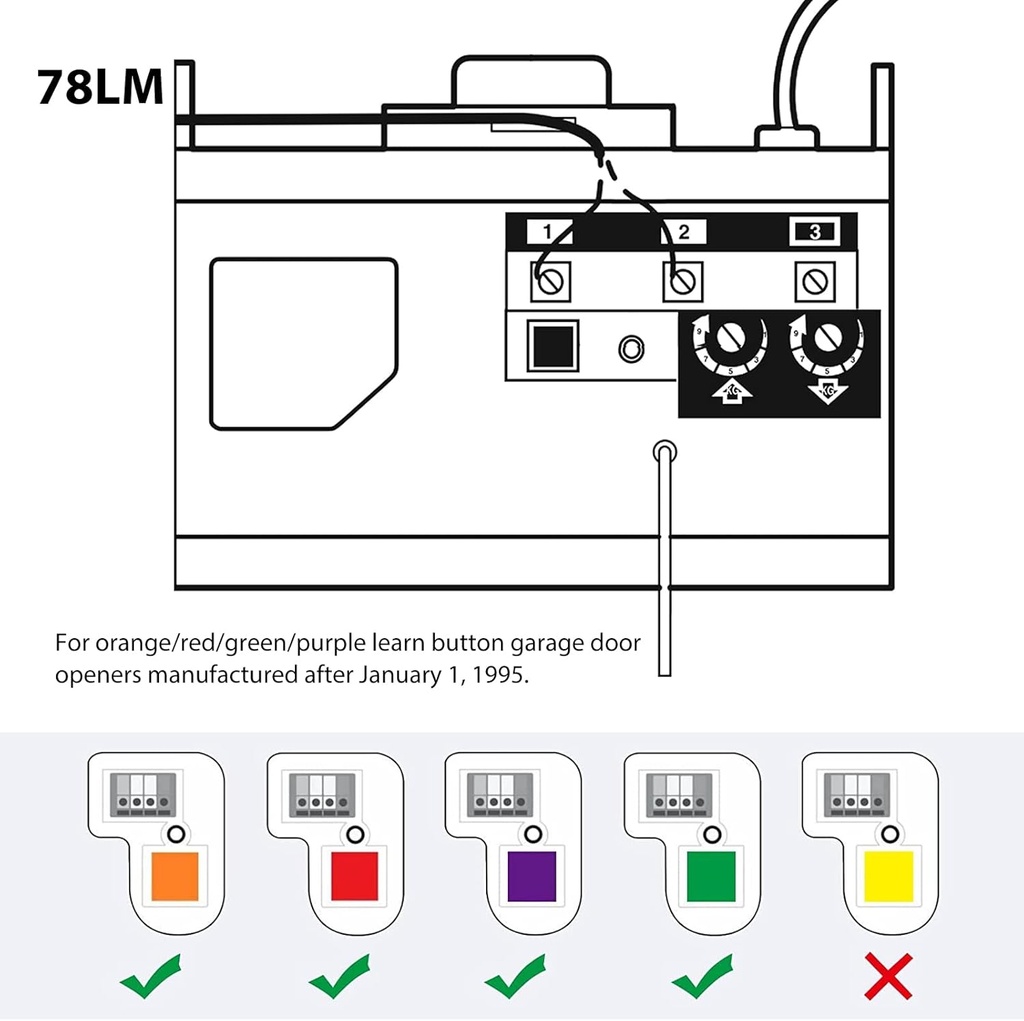
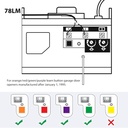
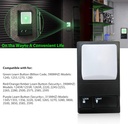
- ✪Garage door replacement panel: the garage door keypad is compatible with various types of garage door openers systems manufactured after January 1, 1995, e.g. AC screw drive garage door opener, AC belt drive garage door opener, AC chain drive garage door opener.
- ✪3 Multi-Function Control Buttons: Door Control Push Button: Press the big white top button, the door will open or close, or to stop the door while it is opening. Light Button: Turn on or off the opener's light. Lock Button: Designed to prevent operation of the door from portable remote controls. More safe and security.
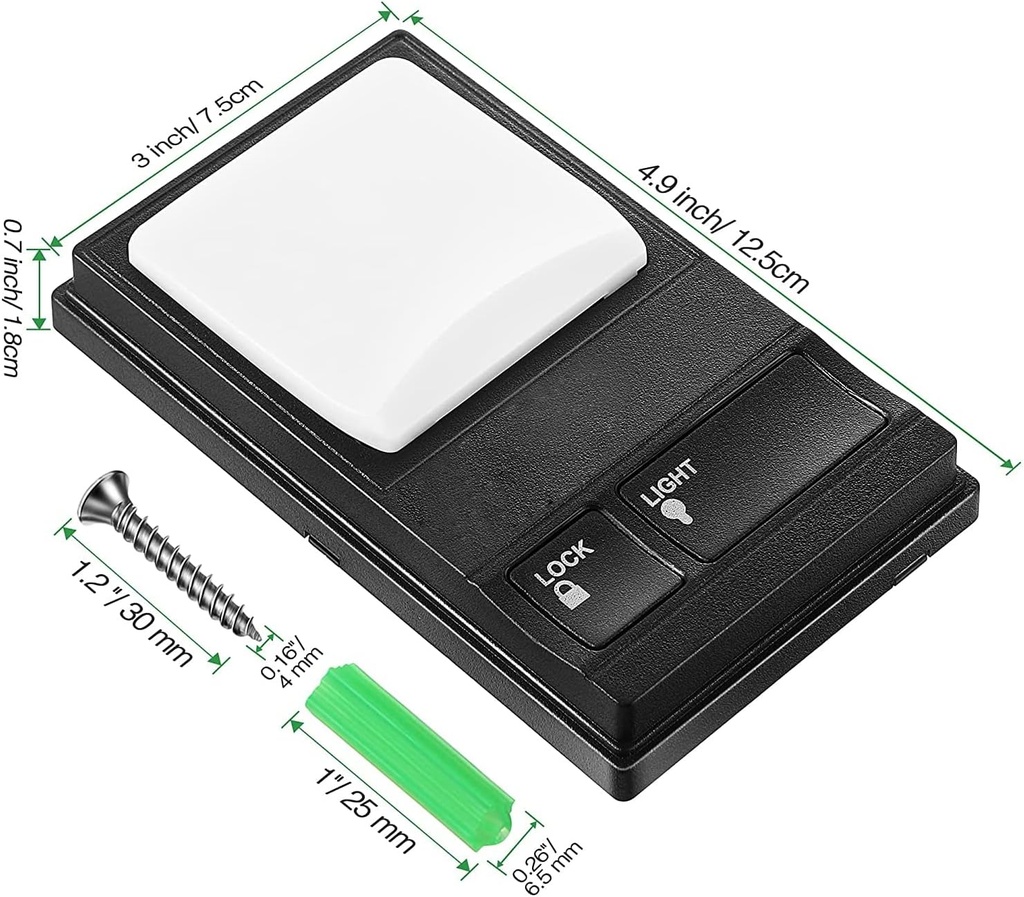
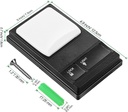
- ✪Easy to install: Firstly, pass your wires through the hole of the the back cover, then use the include screws to fix the back cover on the wall nails (Do not over tighten). Lastly, connect the bell wire to terminals, and buckle the circuit board to the back cover.
- ✪Warm notice: please disconnect the power before installment for safety; The garage door control panel is compatible with 41A5273-1 78LM garage door opener systems; The red and white cords are not included.
Estimated shipping
Select a product to estimate shipping.[ Open/Close the Door ] : The square garage door console button is to open or close the door, or to stop the door while it is opening.
[ Opener Light Control ] : Press the light button to switch the console light, convenient to operate the panel in the dark.
[ Lock Function ] : The lock button to prevent remote control, improve security.
How to Install this 41A5273-1 78LM Multi-Function Control Wired Wall Panel?
Step 1: Pass the wires through the middle hole.
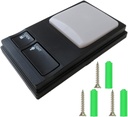
Step 2: Use the screws to fix the back cover on the wall.
Step 3: Connect the red wire to position "1", connect the white to position "2". (Wires are NOT included)
Step 4: Snap the Panel onto the back board.
Warning Tips:
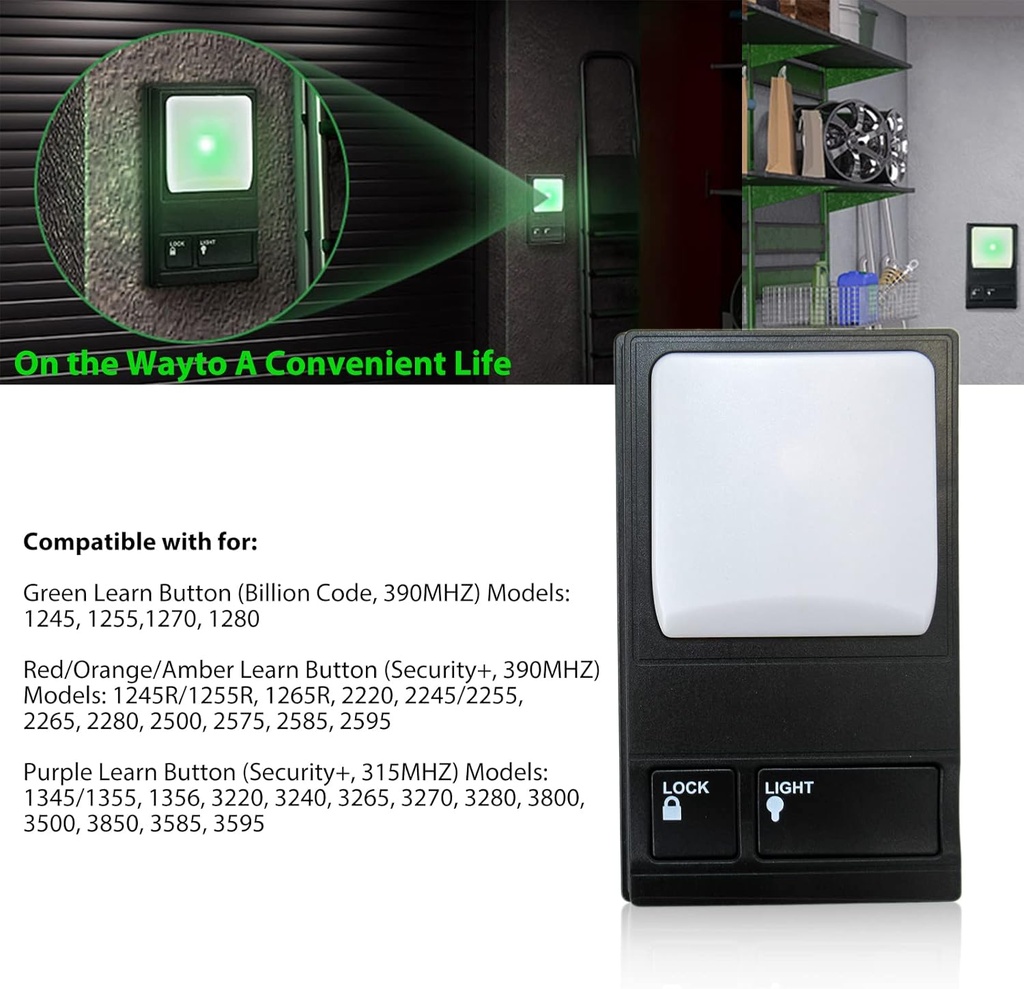
1. Only compatible with GREEN, RED and PURPLE learn button Liftmaster garage door openers.
2. Be sure power is NOT connected BEFORE installing door control.
3. Connect ONLY to 24 VOLT low voltage wires.
4. Locate the door control within sight of the door at a minimum height of 5 feet(1.5m) where small children cannot reach.
| Main Specification | |
|---|---|
| 制造商 | Nghtmre |
| 单位数 | 1.0 计数 |
| 控制方法 | 远程 |
| 控制器类型 | 按键 |
| 演员类型 | 按键 |
| Technical Details | |
| Item Weight | 1.76 Ounces |
| 编 号 | Garage Door Remote Opener |
| Batteries Required? | No |
| Batteries Included? | No |
| Brand | Nghtmre |
| Others | |
| Product Type | Electronic Switch |