


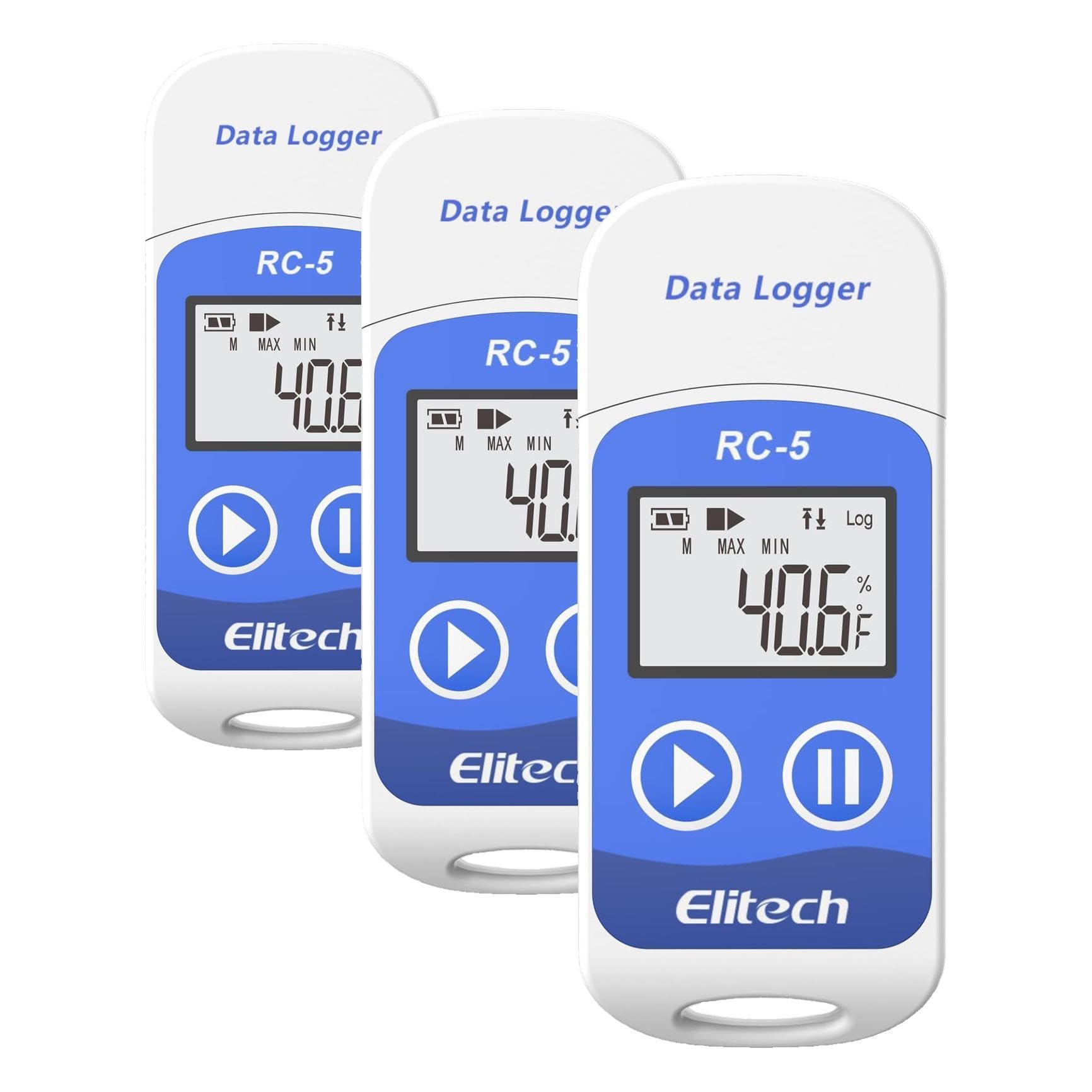


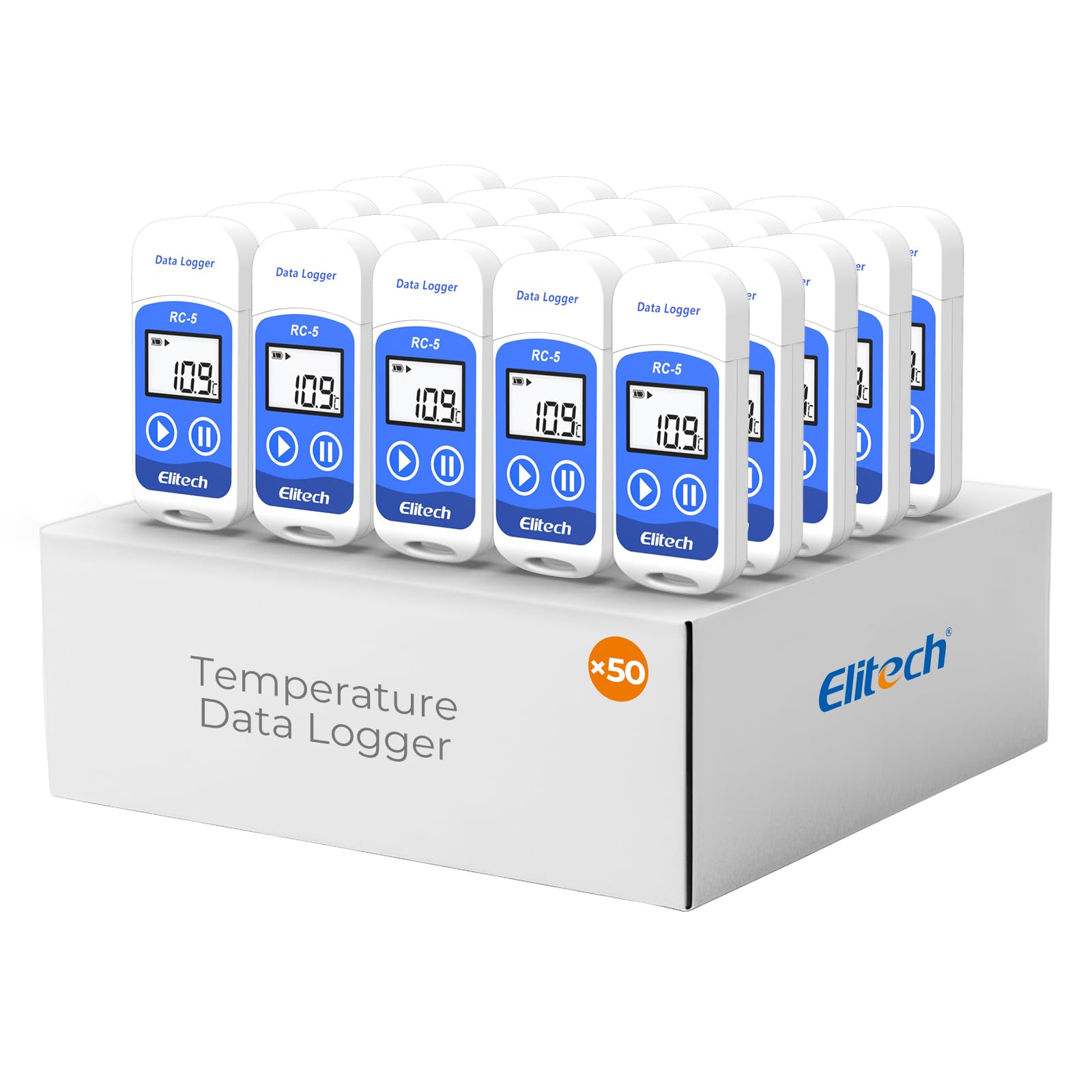
Elitech RC-5 USB Temperature Data Logger Recorder 32000 Points High Accuracy
3 sold in last 24 hours
- Multi-use temperature data logger, 32,000 recording points, with wide measuring range -30°C~70°C / -22°F~158°F. Up to 6 months battery life, replaceable battery, low power consumption.
- Built-in USB connector, no cable or reader required to download data or generate PDF report.
- Powerful LCD indication, easy to view temperature data, logged points, alarm status, and more key information, etc. Fahrenheit/Celsius switchable through free software.
- IP65 protection grade and temperature alarms, suitable to use on dry ice and vaccine storage, transportation and etc.
- PLEASE EMAIL/MESSAGE US FOR THE CALIBRATION CERTIFICATE. 24/7 US Technician Support via Email and Phone.
Tags |
Estimated shipping
Select a product to estimate shipping.How to use the data logger for the first time?
1. Install Elitechlog software. Insert the device into a computer USB port.
2. Click ""set parameter"" and then click ""save parameter"" to exit.
3. Press and hold the left button for more than 4 seconds to start recording.
How to Reset & Reuse the Logger?
Click "Quick Reset" to reset the original parameters settings. Disconnect the device from your computer to start using it again.
Note: Please read and save the historical data before parameter settings or the data will be clear.
How to clear the recorded data?
The recorded data can be cleared by the data management software by setting parameters.
How to obtain recorded data?
1. Plug the data logger to a computer USB port, the icon will light in the screenafter connection.The green LED indicator will light at the same time.
2. Open the data management software, the data logger will connectautomatically and upload data.
How to download and install the data management software Elitechlog?
Please download and install the free ElitechLog software (macOS and Windows) from Elitech US: elitechus.com. Search 'Elitechlog' in the APP store to obtain MAC software.
Product details


| Main Specification | |
|---|---|
| 产品护理指导 | 擦除干净 or 冷冻器安全 |
| 规格 | 罗汉斯 or 公平竞争委员会 or 中 英 or 韦 |
| 制造商 | Elitech |
| 单位数 | 1 计数 |
| 电池数量 | 1 需要锂金属电池。 (包含) |
| 项目长度 | 3.2 inches |
| 外物质 | 塑料 |
| 显示类型 | 液晶 |
| 品牌 | Elitech |
| 刚果爱国者联盟 | 703430273593 763230863417 841161103083 |
| 连接技术 | 美国B |
| 决议 | 0.1 ℃/℉ |
| 型号名称 | RC-5 |
| 包含的组成部分 | 1 x Data Logger 1 x CR2032 battery 1 x User Manual |
| 电源 | 电池 |
| 可续用性 | 可重复使用 |
| 年龄范围( 描述) | 成人 |
| 颜色 | 1PACK |
| 特殊特性 | High Accuracy |
| Product information | |
| 反应时间 | 10 seconds |
| Technical Details | |
| 编 号 | RC-5 |
| 型号 | RC-5 |
| 电池寿命 | 365 days |
| Item details | |
| 室内室外使用 | 户外 or 室内 |
| 年龄范围说明 | 成人 |
| Style | |
| 样式名称 | professional |
| Features & Specs | |
| 其他特征 | High Accuracy |
| Others | |
| 产品类型 | Data Loggers |
| Upper Temperature Range | 158 °F |